How does an AI detector judge a picture?
PROBE is a state-of-the-art AI image detector. It is trained on real photos and AI-generated images. Its developers also gave it extra practice on the AI pictures it found hardest to recognise.[6]
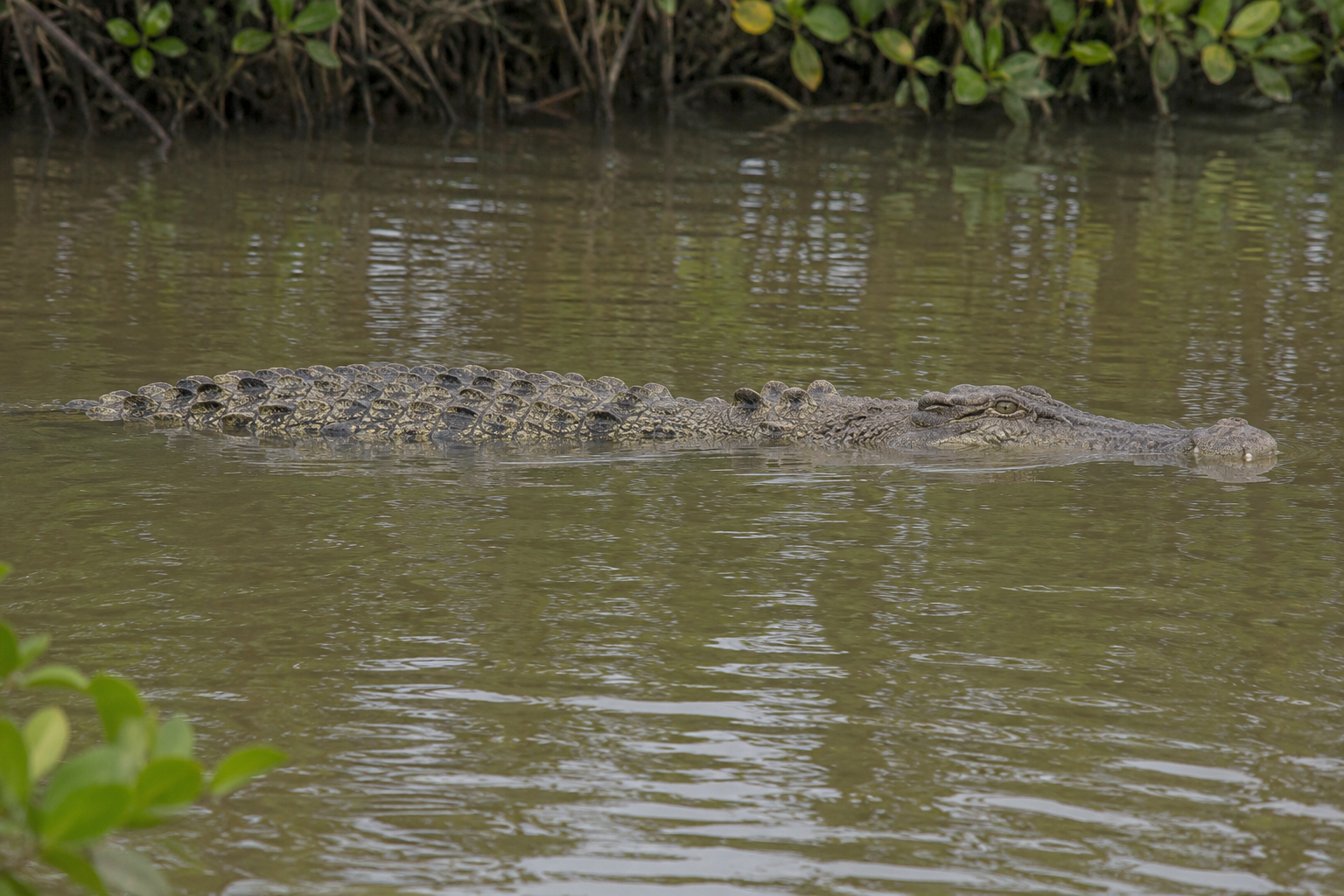
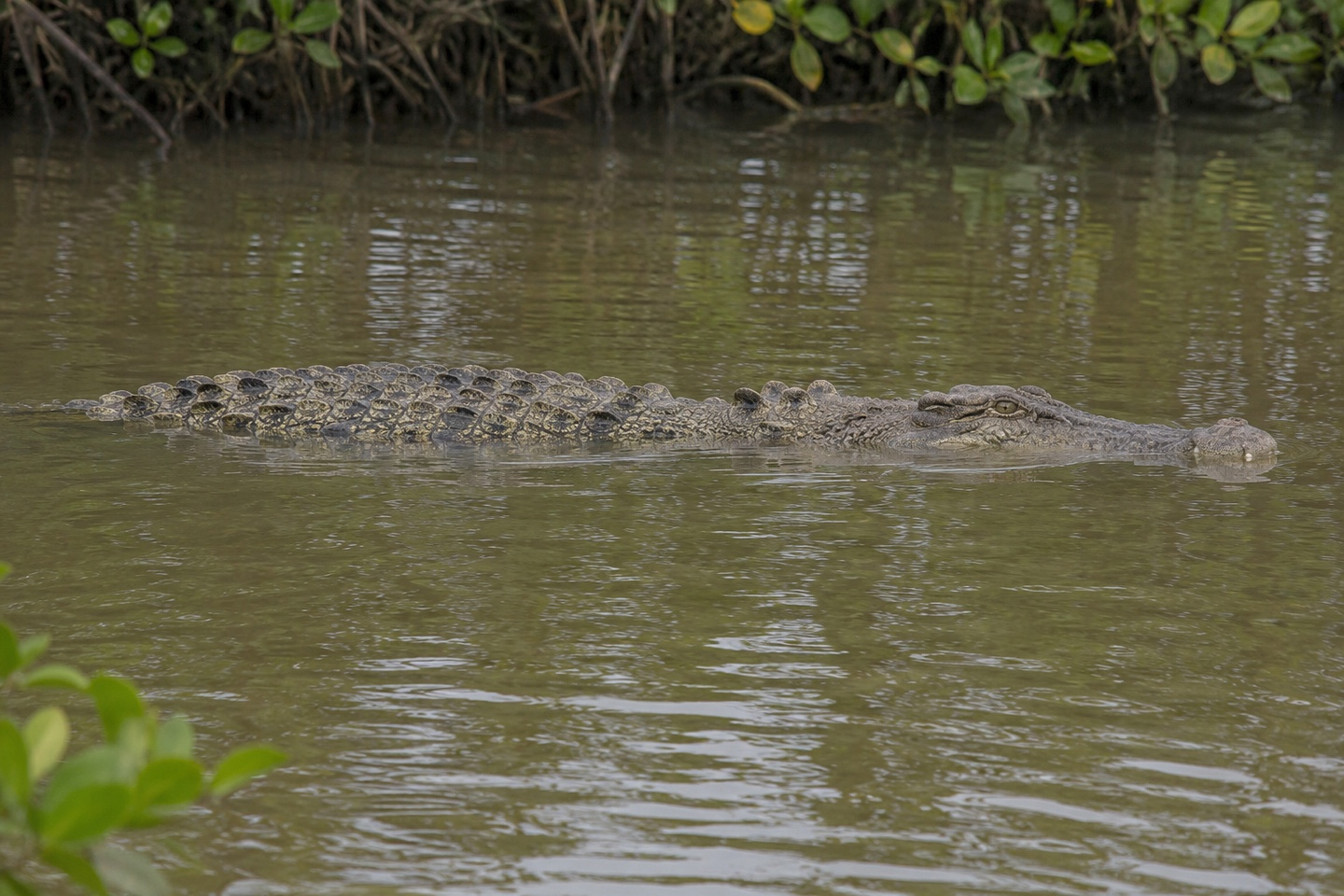
PROBE divides picture B into squares and scores each one. A score above zero means it classifies that square as AI-generated. Try square 6 on the crocodile’s back. It scores +3.91, so PROBE gets it right. Square 7, beside it, is the only other square the detector gets right. Then try the four squares across the top, where the trees are reflected in the water. Each scores below −8, well into the range PROBE associates with real photos.[2]
Why does PROBE call the whole picture real when it spots signs of AI on the crocodile’s back? For the final verdict, a square of reflected trees counts just as much as a square showing the animal. PROBE averages all eight scores, one for each complete 336-by-336-pixel square that fits in the image. The dark strips at the edges are left out. The average is −4.39, so PROBE wrongly calls picture B a real photo. On picture A, the genuine photo, it gets all eight squares right.[2]
Would a different detector work better?
Select a detector to see which part of each picture it examined and what it found. Some of the six tools we tested here judged the whole scene and others looked at smaller patches. Despite those differences, none identified our AI-generated crocodile.[7]
Read how all six detectors work
- PROBE
- PROBE scores each complete square of 336 by 336 pixels. It averages those scores, giving every square equal weight. A positive average gives an AI verdict.
- Smaug
- Abacus.AI’s detector scored three overlapping views of each picture, then averaged the three scores. The views covered the left, middle and right of our landscape images.
- OpenFake SwinV2
- This model learned from photographs and generated images in a collection called OpenFake. It shrank each quiz image to 256 by 256 pixels and compared patterns across nearby patches to give one score for the scene.
- Detectra v3
- Detectra scored one square from the centre. Its training included paintings and screenshots alongside real photos, so it had also seen unusual-looking images made by people.
- Detectra OpenFake
- This version of Detectra trained on more examples, including images resized and saved as JPEGs. It can examine a closer crop when the first score leaves room for doubt. On both quiz images it stopped after the first crop.
- Peak-Guided Calibration
- This model examined the middle 224 by 224 pixels of each file. It gave extra weight to the strongest local patterns in colour and texture when scoring that patch.
Could the generator have left a record?
The detectors had only the pixels to go on, so they had to work backwards from the finished picture to figure out how it was made. When we checked the original file from ChatGPT, we found a signed record called a Content Credential. It named ChatGPT as the software that made the picture. We could verify OpenAI’s signature and check that the record belonged to this exact image.[8][9]
We lost that information when we saved a smaller JPEG for this page. The crocodile looked much the same, but the software had left the record out of the new file. Could the generator put that information into the picture itself as an invisible watermark?[8][9]
Original PNG
- Created with
- ChatGPT
- Origin recorded
- AI-generated
- Signed by
- OpenAI Media Service
Web JPEG
- Embedded creation record
- None found
How does an invisible watermark work?
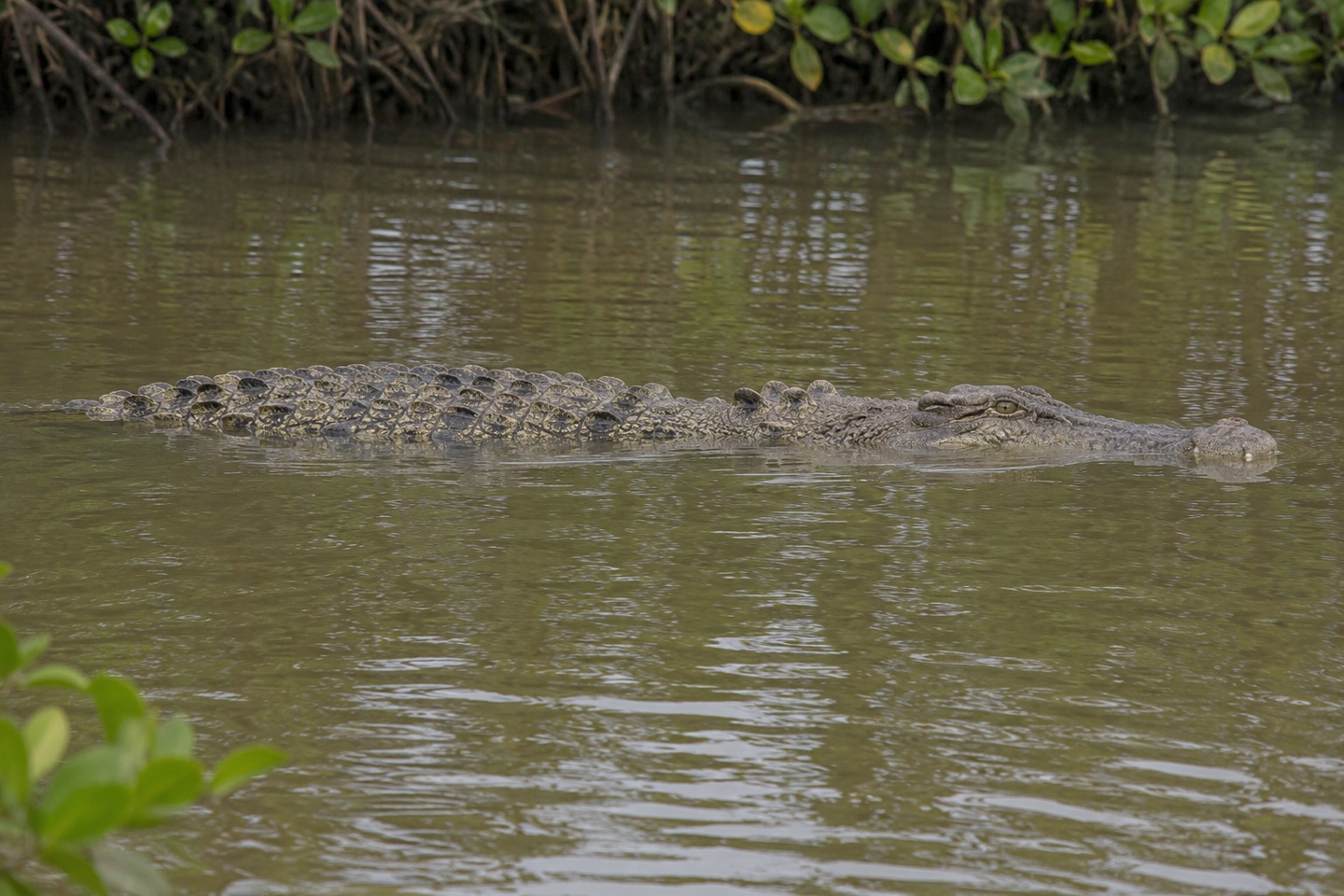
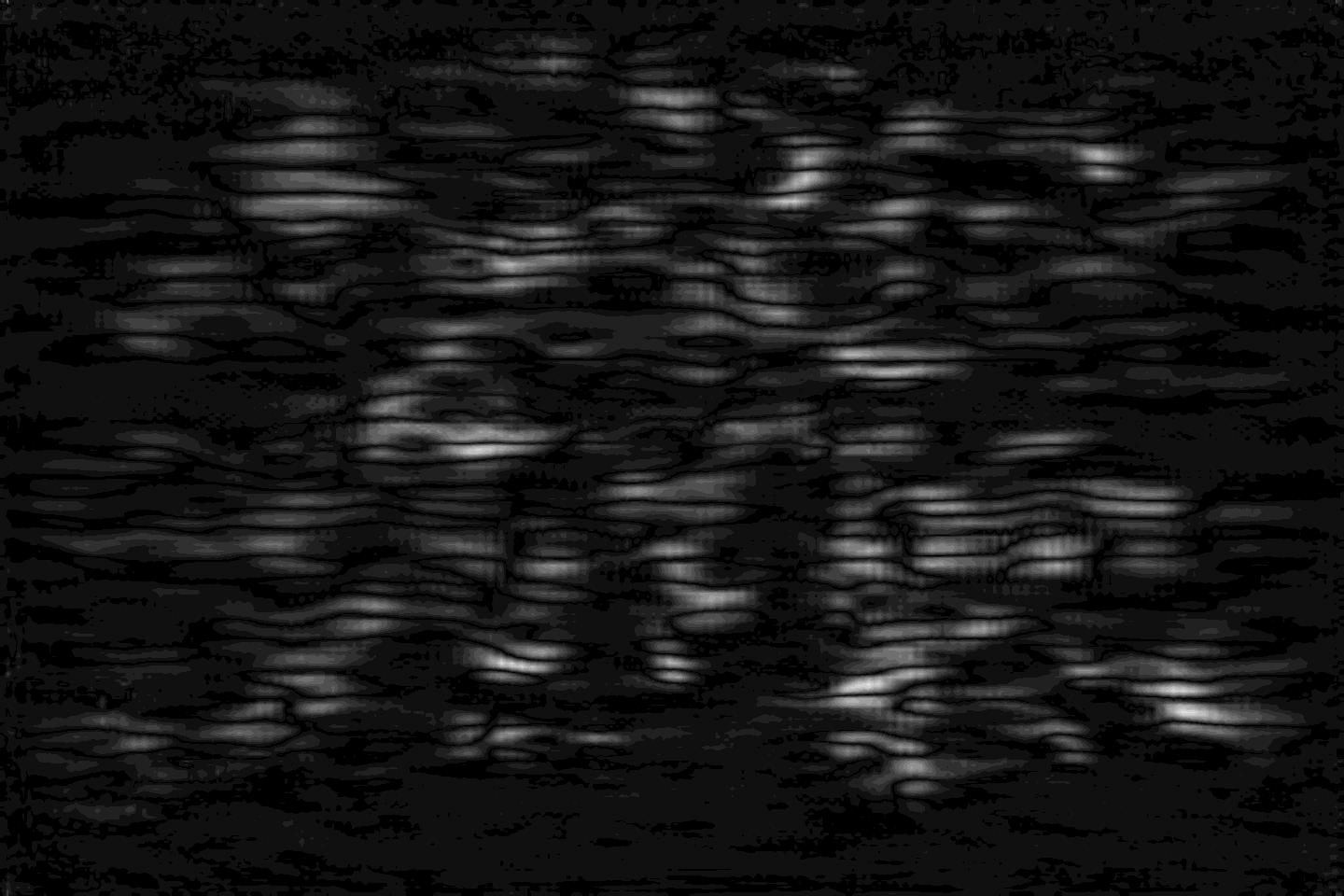
TrustMark is a watermarking tool from Adobe. We gave its encoder a copy of our crocodile picture and the words “AI IMAGE”. It converted the letters into a sequence of bits (ones and zeros) and hid that sequence in tiny changes to the colours of the pixels. Compare the original and the marked copy, then choose “Pixel changes”. The brighter areas show where the encoder changed the colours most.[10][11]
To read the words back, the decoder needs only the marked picture. It looks for the pattern the encoder left in the pixels and converts the bits back into letters. The encoder includes extra bits so the decoder can correct some errors if the colours change.[10]
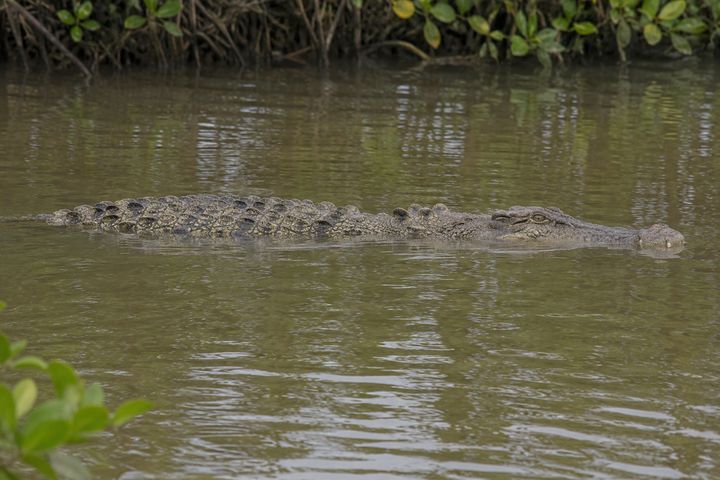
What would happen to that pattern in a copy made for sharing? Saving a smaller JPEG had stripped out OpenAI’s signed record, so we tried the same thing with the watermarked crocodile. We cut its width from 1,440 pixels to 720 and saved it as a JPEG. The decoder still read “AI IMAGE” from the smaller file.[11]
What happens to the watermark when the picture changes?
When we made the crocodile picture smaller, the water and the trees kept their places in the scene. If you flip the picture from top to bottom, the pixels carrying a watermark change places too. Could a decoder still find the watermark and read the message?
Kai Yao and colleagues tested just that with MaskWM, a system that places a short message in a chosen area. They checked both the outline of that area and the message inside it. Before the flip, the software recovered about 97 of every 100 bits of the hidden message. After the flip it got about 50 right, roughly what you would get by guessing. Yet the software could still outline the marked area almost as accurately as before. A reader might therefore be able to see where the watermark was and still have no way to read what it said.[12][13]
Why not make the pattern stronger? That could make it easier for software to find, but it can also make changes in the picture visible. Of the five methods the researchers compared, MaskWM recovered the message most reliably on untouched images and changed the original pixel values the most. A useful watermark has to survive the way people share pictures as well as preserve the picture they want to share.[13]
Can a watermark show where a picture changed?
A change that makes a watermark harder to read can also tell you something useful. If someone replaces just one part of a marked picture, a gap in the pattern can show where the edit was made. A team including Han Fang, then at the NUS School of Computing, developed a method called TAG-WM. It puts two watermarks into a picture during generation. One carries an identifying message. The other leaves a pattern across the scene. If somebody replaces part of the image, that pattern is disturbed.[14]
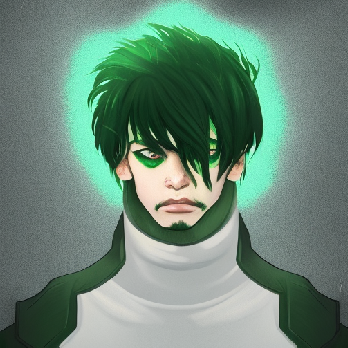
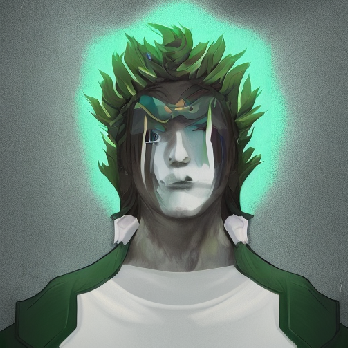
The researchers tried this by replacing a face. The first two pictures show the edit. In the third, you can see how closely the area the software flagged matches what they changed.[14]